List View Custom Buttons
Config key: settings.listViewCustomButtons
Object Manager: (object) → Search Layouts for Salesforce Classic → List View
Manages the custom buttons selected in the list view button layout of any object. Buttons are identified by the API name of their WebLink, with an optional namespace prefix (AssignTask or th_dev__AssignTask).
Screenshot
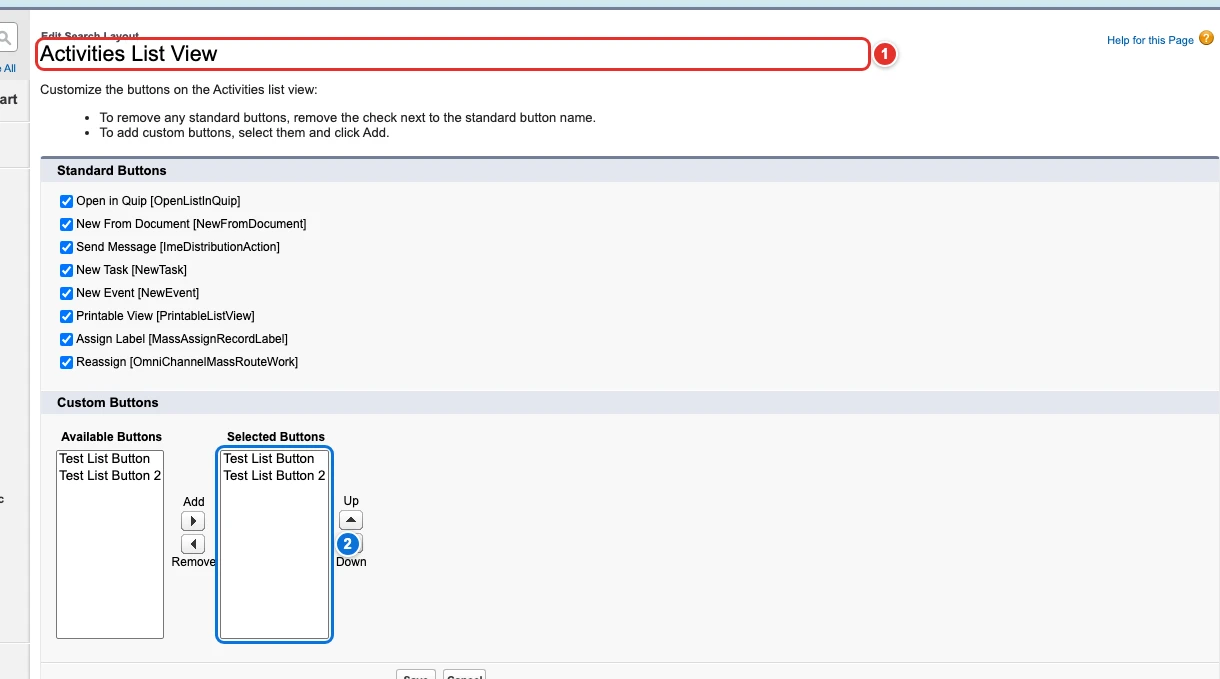
| Pill | Field |
|---|---|
| 1 | [0]. |
| 2 | [0]. |
Use cases
Show the custom buttons of the task list views
The support team of Acme works its tasks from list views, and its developers wrote two list buttons, Test List Button and Test List Button 2, that act on the selected tasks. The listViewButtons of the Metadata API (searchLayouts of an object) do not apply to tasks and events, so an admin had to add the buttons by hand, in each org.
This config selects both buttons on the list views of Task, whose layout is the Activities List View, shared with events. The buttons are named by their API name, with their namespace prefix when they come from a package (th_dev__AssignTask). With removeOtherButtons, the Selected Buttons end up exactly as listed.
{
  "$schema": "https://raw.githubusercontent.com/amtrack/sfdx-browserforce-plugin/main/src/plugins/schema.json",
  "settings": {
    "listViewCustomButtons": [
      {
        "objectApiName": "Task",
        "buttons": [
          "TestListButton",
          "TestListButton2"
        ],
        "removeOtherButtons": true
      }
    ]
  }
}
Example
{
  "$schema": "https://raw.githubusercontent.com/amtrack/sfdx-browserforce-plugin/main/src/plugins/schema.json",
  "settings": {
    "listViewCustomButtons": [
      {
        "objectApiName": "Task",
        "buttons": [
          "MyListButton",
          "MyOtherListButton"
        ],
        "removeOtherButtons": true
      }
    ]
  }
}
Fields
In the field paths, [] stands for the items of a list and * for the entries of an object keyed by name.
| Field | Type | Description | Default |
|---|---|---|---|
[]. |
string | Object API Name The API name of the object whose list view custom buttons to manage (e.g. Activity, Account, Contact). Required. |
|
[]. |
string[] | Buttons WebLink API Names (DeveloperName) of the custom buttons to select. Use namespace__Name for namespaced buttons (e.g. 'th_dev__AssignTask') or just Name for unpackaged buttons (e.g. 'AssignTask'). Required. |
[] |
[]. |
boolean | Remove Other Buttons Whether to remove other buttons from the list view. If true, all buttons except the ones specified in the buttons array will be removed. |
false |
JSON Schema
{
"default": [],
"title": "List View Custom Buttons",
"description": "Object Manager: **(object) → Search Layouts for Salesforce Classic → List View**\n\nManages the custom buttons selected in the list view button layout of any object. Buttons are identified by the API name of their WebLink, with an optional namespace prefix (`AssignTask` or `th_dev__AssignTask`).\n\n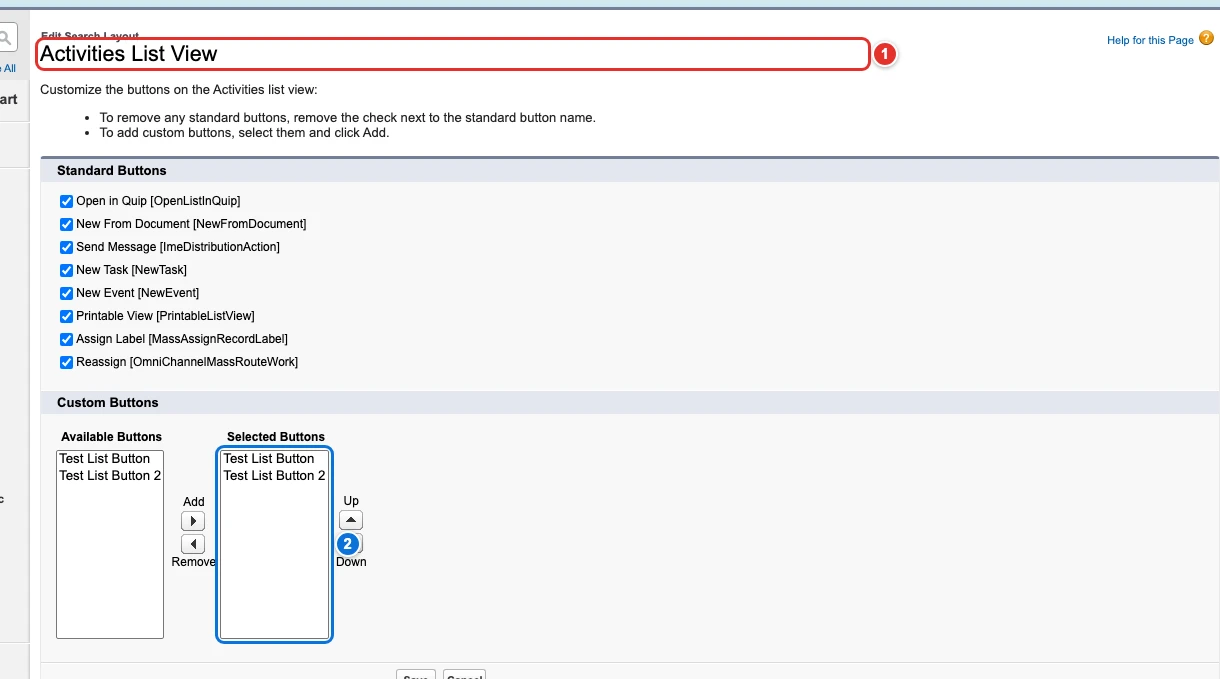",
"examples": [
[
{
"objectApiName": "Task",
"buttons": [
"MyListButton",
"MyOtherListButton"
],
"removeOtherButtons": true
}
]
],
"type": "array",
"items": {
"type": "object",
"properties": {
"objectApiName": {
"type": "string",
"title": "Object API Name",
"description": "The API name of the object whose list view custom buttons to manage (e.g. Activity, Account, Contact)."
},
"buttons": {
"type": "array",
"items": {
"type": "string",
"description": "WebLink API Name (DeveloperName) of the custom button, optionally prefixed with namespace (e.g. 'AssignTask' or 'th_dev__AssignTask')."
},
"title": "Buttons",
"description": "WebLink API Names (DeveloperName) of the custom buttons to select. Use namespace__Name for namespaced buttons (e.g. 'th_dev__AssignTask') or just Name for unpackaged buttons (e.g. 'AssignTask').",
"default": []
},
"removeOtherButtons": {
"title": "Remove Other Buttons",
"description": "Whether to remove other buttons from the list view. If true, all buttons except the ones specified in the buttons array will be removed.",
"default": false,
"type": "boolean"
}
},
"required": [
"objectApiName",
"buttons"
]
}
}